Custom Visualization Sprint
$5,000+Commission a tailored React and D3 visualization with structured reviews and source-code handoff. Scope, schedule, and price are agreed in writing.
Explore the sprintProfessional data visualization · Powered by VizHub
Turn complex data into interactive maps, analytical tools, and visual stories. Work directly with VizHub founder Curran Kelleher on a guided prototype or a custom React and D3 implementation.
30 minutes · Free · No preparation or obligation
Prefer to build independently? Start building free.
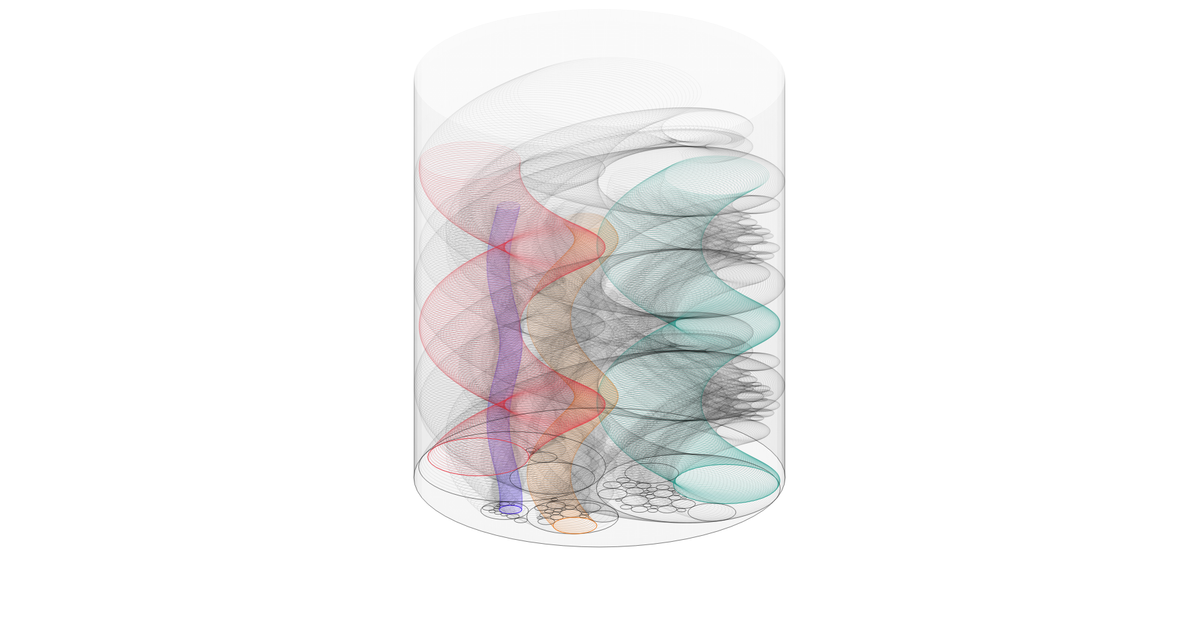
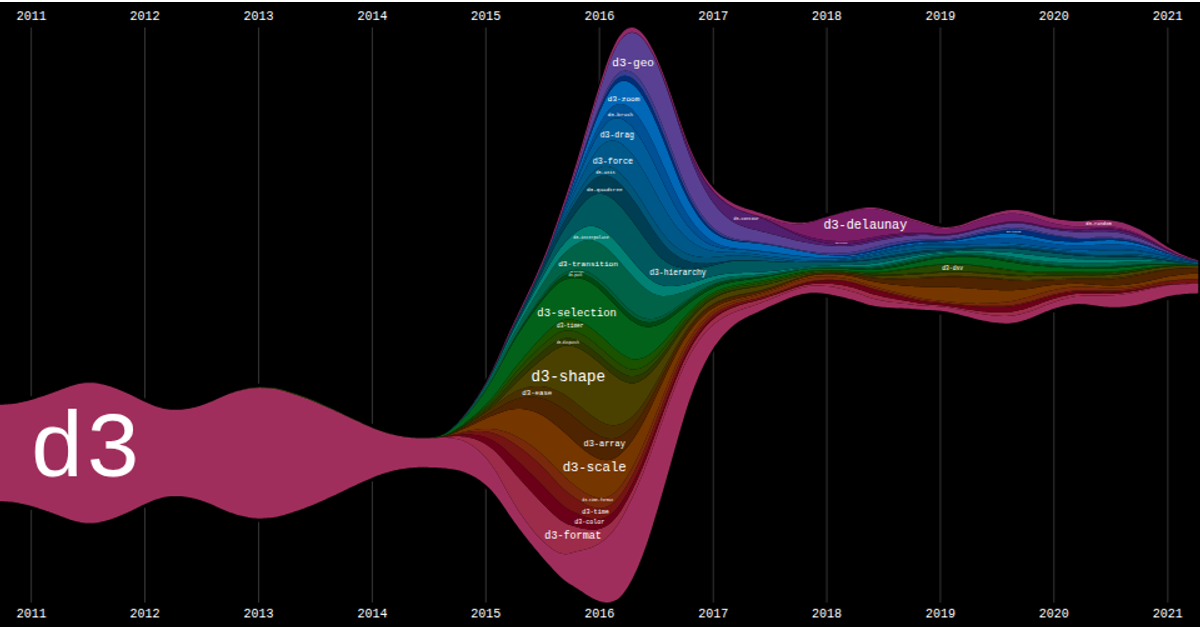
Explore a real interactive example

A public VizHub visualization, not a claim that this example was generated by AI.
Work with VizHub
Start with a focused working session or commission a scoped interactive visualization, with code your team can maintain.
Commission a tailored React and D3 visualization with structured reviews and source-code handoff. Scope, schedule, and price are agreed in writing.
Explore the sprintBring your data and an idea. Explore a working prototype together in two sessions of up to 60 minutes each; not a production build.
Explore the prototype
Meet the founder
Curran Kelleher is the founder of VizHub, a data visualization engineer, consultant, and educator. He previously worked at Stamen Design and McKinsey & Company and teaches data visualization at Worcester Polytechnic Institute.
VizHub pairs that hands-on experience with an AI-powered workspace, so teams can collaborate on custom visualizations while independent builders can refine and publish their own work.
Explore professional services →5-minute product walkthrough
See how to bring in data, generate interactive visualizations with AI, compare alternatives, and publish or export the result.
Explore the full demo pageFrom dataset to interactive experience
A real AI Studio workflow with sample data: start with a question, review the alternatives, and keep the result. No fixed chart templates required.
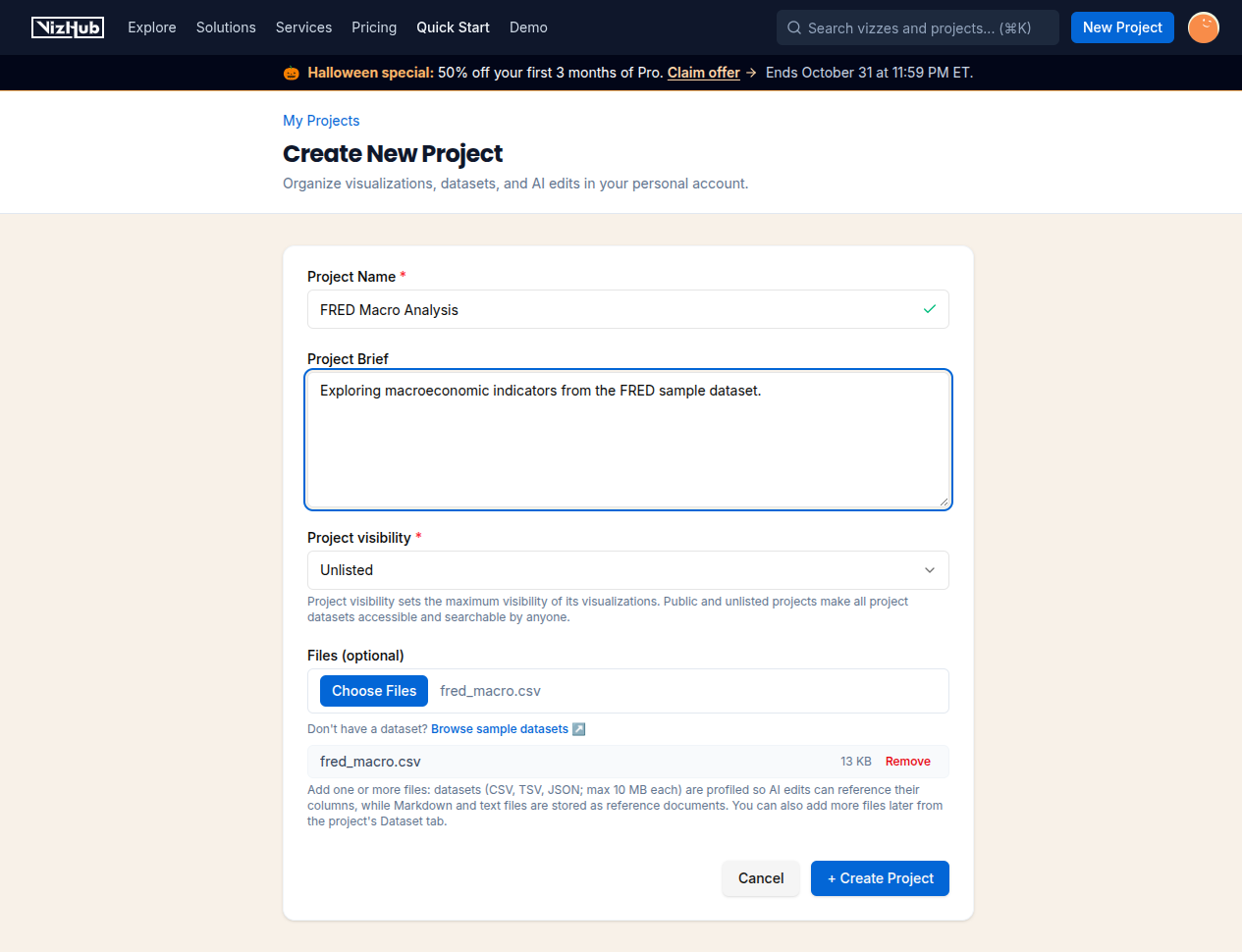
Add a dataset and explain the question you want to explore. VizHub keeps the data and visualization in one project.
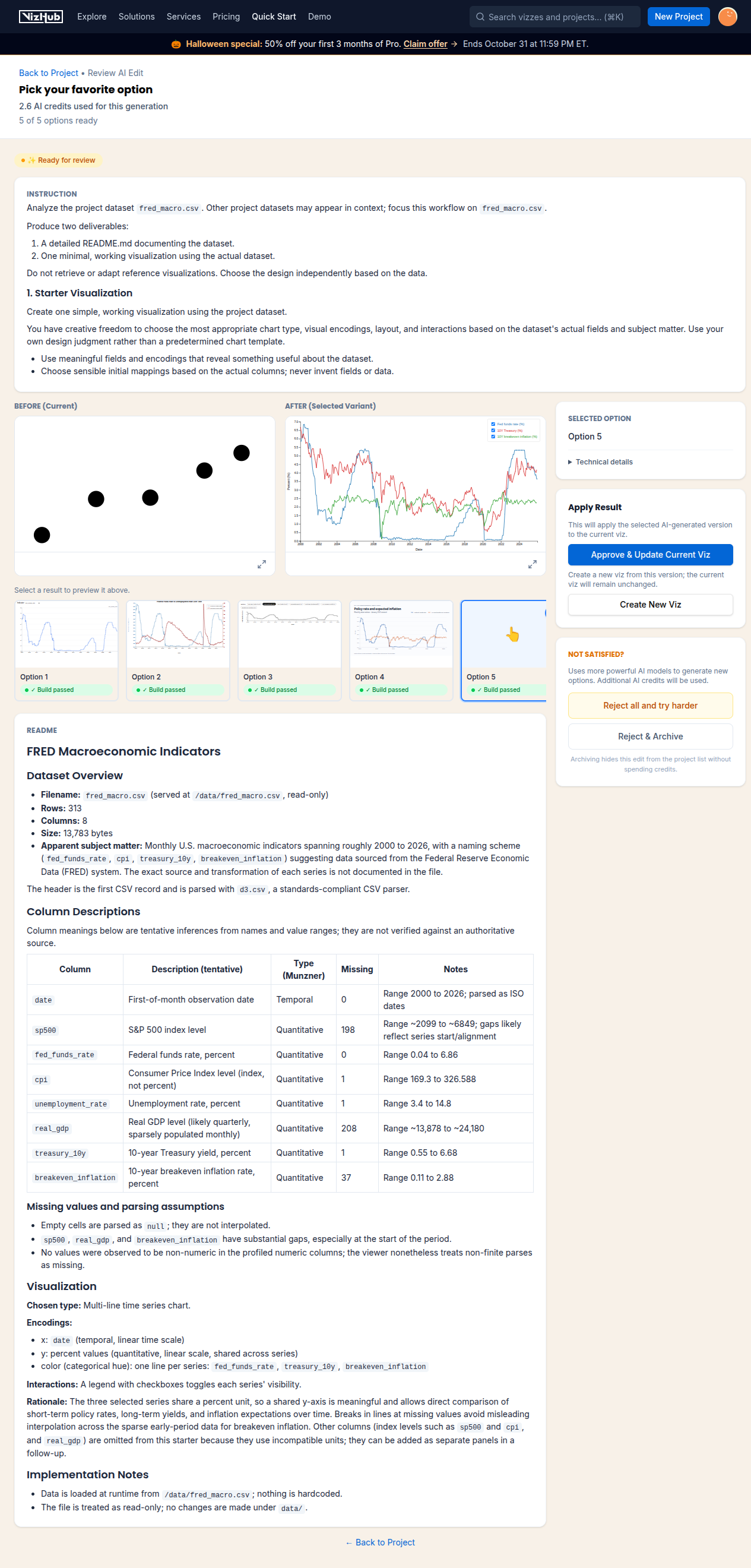
Review working proposals before choosing what to keep. You stay in control of which changes are applied.
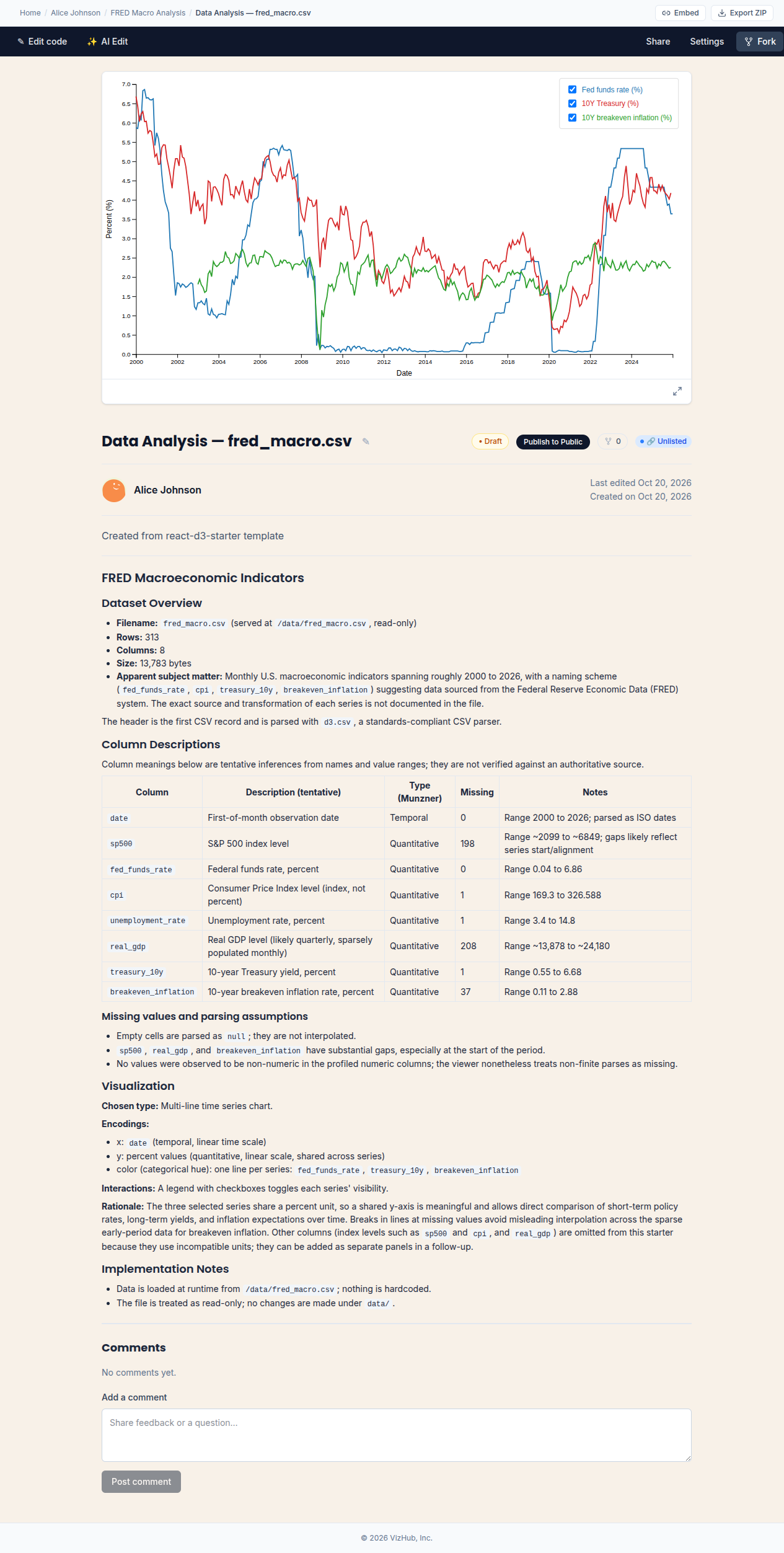
Keep improving the interactive visualization, publish it, or export the editable source to use elsewhere.
Product screenshots from a local demonstration using public sample economic data. These images illustrate the workflow; they are not live previews.
Explore interactive projects created and shared on VizHub. These examples are not necessarily generated using AI.
Standard chart builders focus on predefined layouts. VizHub combines data-aware AI, React and D3, reviewable alternatives, and exportable source code for custom interactive work.
CSV and JSON datasets are profiled automatically, so AI edits are grounded in your actual schema and values.
Export editable visualization source files as a ZIP and keep building outside VizHub.
Generate alternatives with multiple AI models, review the results, and approve the version you want to keep.
Start with React and D3, then edit the code to build interactions beyond standard dashboard charts.
Explore four dataset-backed example projects, from county health indicators and ecommerce events to storm reports and economic research. Each brief includes source data, interactions, and a review checklist.
Explore county health, poverty, education, and income through linked public-data views.
Example: County Health and Opportunity Explorer
Explore dataset-backed projectFrom one synthetic ecommerce brief, explore three distinct interactive directions.
Example: One Dataset, Three Designs
Explore dataset-backed projectExplore 2024 NOAA storm reports through regional comparisons and timelines.
Example: A Year of Extreme Weather
Explore dataset-backed projectExplore inflation, unemployment, and interest rates with linked economic charts.
Example: The Economic Pulse
Explore dataset-backed projectBring your own agent
Use VizHub's built-in AI, or connect external coding agents through MCP. People and agents work with the same project, data, and revision history rather than separate one-off outputs.
Generate and refine visualizations without leaving the workspace.
Connect compatible coding agents through MCP to work with your VizHub project.
Authorized agents can work with the same project data and visualizations you review in the browser.
Data and access
Review visibility, AI processing, and data-use guidance before you upload a dataset or publish a visualization.
Published public work can be discovered. Unlisted standalone work is link-accessible; project permissions may further restrict access. Free owners can unpublish to unlisted. Creating private personal work requires Pro.
When you request an AI edit, the prompt and relevant project content are sent through OpenRouter to third-party model providers.
Do not upload regulated or highly sensitive information without a separate written agreement. Review the data and privacy guidance before starting.
Tell us what you are working on. We'll explore the possibilities together and see whether a prototype or custom build makes sense.
Book a free discovery callPrefer to work on your own? Start building free.
Join the VizHub community to share your work, exchange ideas, get help, and influence what we build next.