Activity6_question3
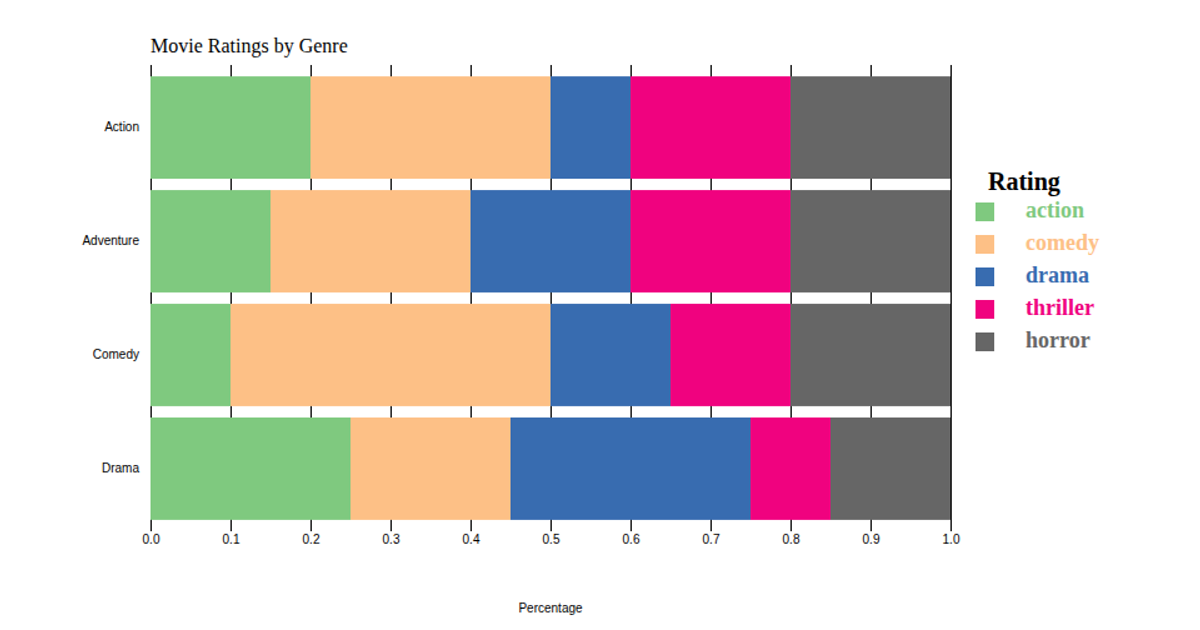
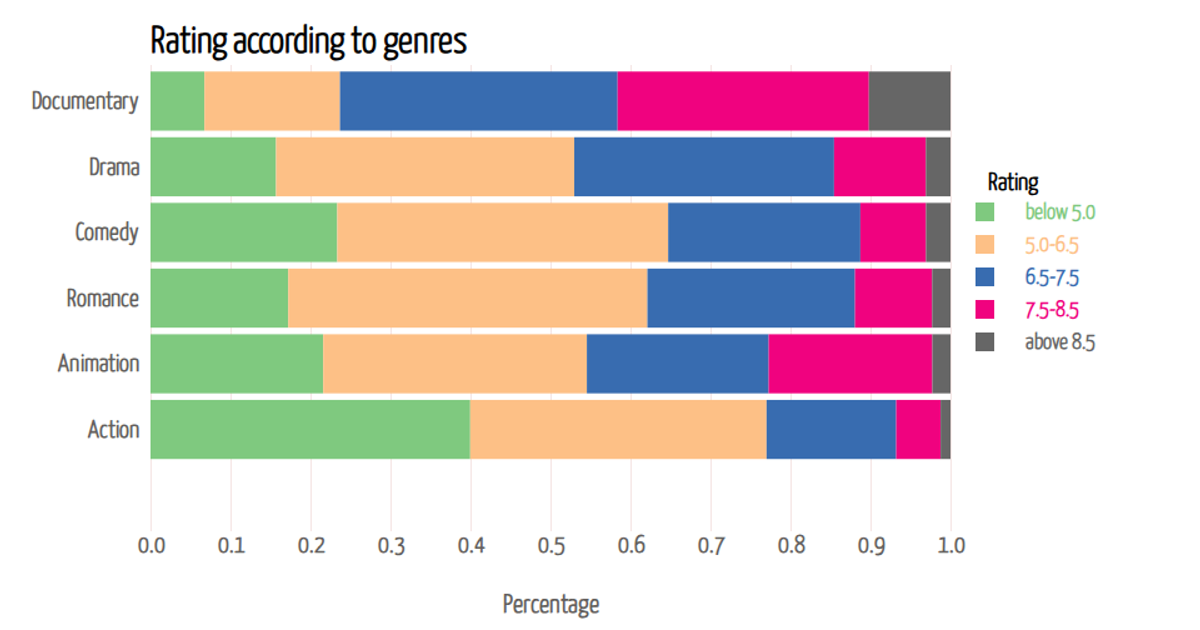
A stacked bar chart shows the number of movie genres assigned to each of 14 films, with each bar segment representing one genre and colored accordingly. The chart uses the Chart.js library, rendered on an HTML canvas element, to display genre counts for categories including Action, Adventure, Drama, Fantasy, Sci-Fi, Crime, and Romance. Data is manually extracted from the provided CSV dataset, with each film's genre values encoded as binary indicators (1 or 0) for every genre category.
AI-generated descriptionMovie Genre Distribution Stacked Bar Chart
Overview
This project provides a simple HTML code snippet to generate a stacked bar chart depicting the distribution of movie genres based on a provided dataset of movies.
Dataset
The dataset contains information about several movies, including their titles, release years, genres, ratings, and other details. Each movie entry includes the following fields:
movie_id: Unique identifier for the movie.movie_name: Title of the movie.year: Release year of the movie.certificate: Certification rating of the movie.runtime: Duration of the movie.genre: Genre(s) of the movie.rating: IMDb rating of the movie.description: Brief description of the movie plot.director: Director(s) of the movie.director_id: Unique identifier for the director(s).star: Lead actor(s) or actress(es) of the movie.
HTML Code for Stacked Bar Chart
The provided HTML code uses the Chart.js library to generate a stacked bar chart based on the genre distribution of the movies in the dataset. The chart visualizes the number of movies for each genre stacked on top of each other.
Usage
To use the HTML code for generating the stacked bar chart:
- Ensure you have an internet connection to load the Chart.js library.
- Copy the HTML code provided in the
stacked_bar_chart.htmlfile. - Paste the code into an HTML file or integrate it into your existing HTML page.
- Open the HTML file in a web browser to view the generated stacked bar chart.
Customization
You can cust






Comments
Sign in to join the discussion.