🌍 Public
A gauge in D3.js
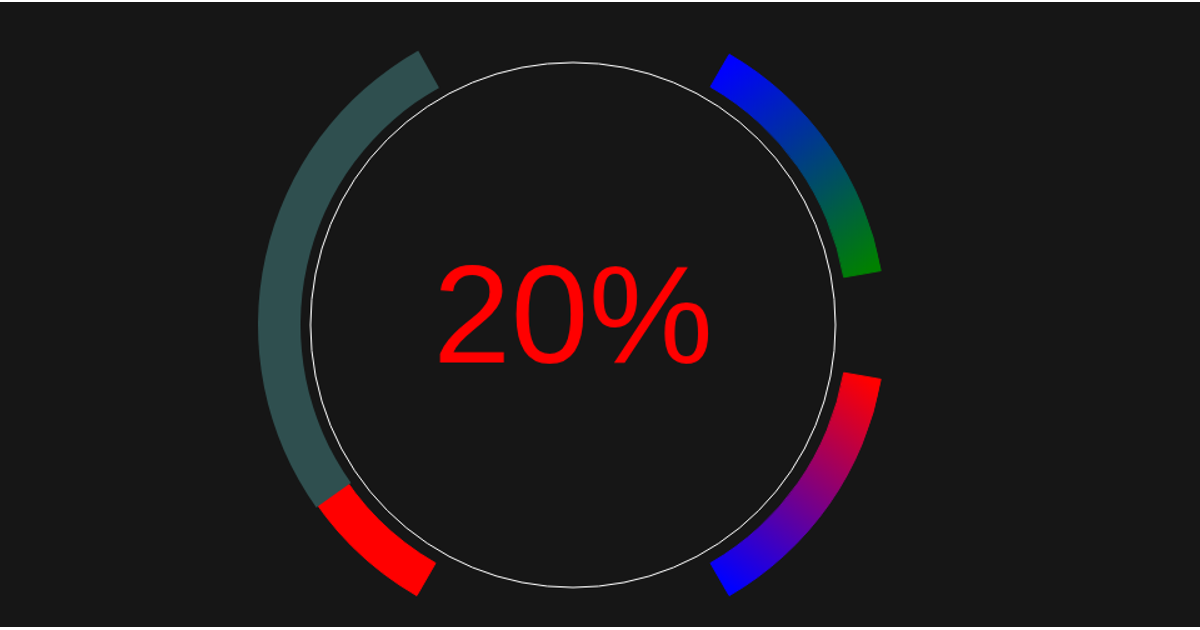
This D3.js v5 example renders an SVG gauge to visualize a battery’s state of charge, showing a value of 80 percent as a red percentage text in the center. The gauge consists of three arc segments with distinct gradients: a left arc with a green-to-red vertical gradient indicating full-to-empty battery status, and two right arcs using horizontal gradients to delineate minimum and recommended charge levels. The code uses `d3.arc` to generate the arc paths, computes coordinates from degrees, and applies CSS-defined gradients via SVG `<defs>` elements with classes like `stop-battery-full` and `stop-left`. The visualization is constructed procedurally in `index.js` using D3’s selection and attribute methods on an SVG canvas.
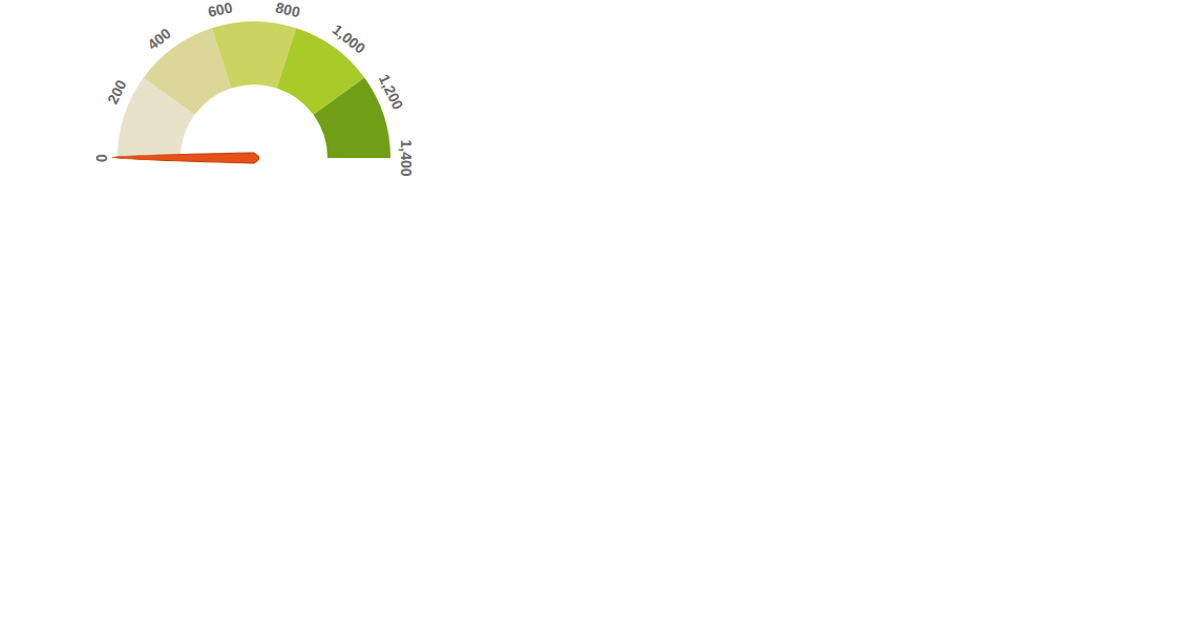
AI-generated descriptionTest gauge
MIT Licensed


![[07] Gauge Chart - Using React Hooks with D3](/viz/e0f2a7a7844e4592afbe7cf0e192b566/social-image.png?v=b81a150607b54b09bf88b25fe7c5c4b3)

![[Test]](/viz/adb8479bc46043c7a48ab2e004ed2cf6/social-image.png?v=9a178ccd373f4b2b99569949c86287cb)
![Fork of [07] Gauge Chart - Using React Hooks with D3](/viz/35aec61a9a51443ea25bb7bd5b2a3785/social-image.png?v=80843a5167864a6594f3a7a68fc5d8ab)
Comments
Sign in to join the discussion.