🌍 Public
Local Storage Example
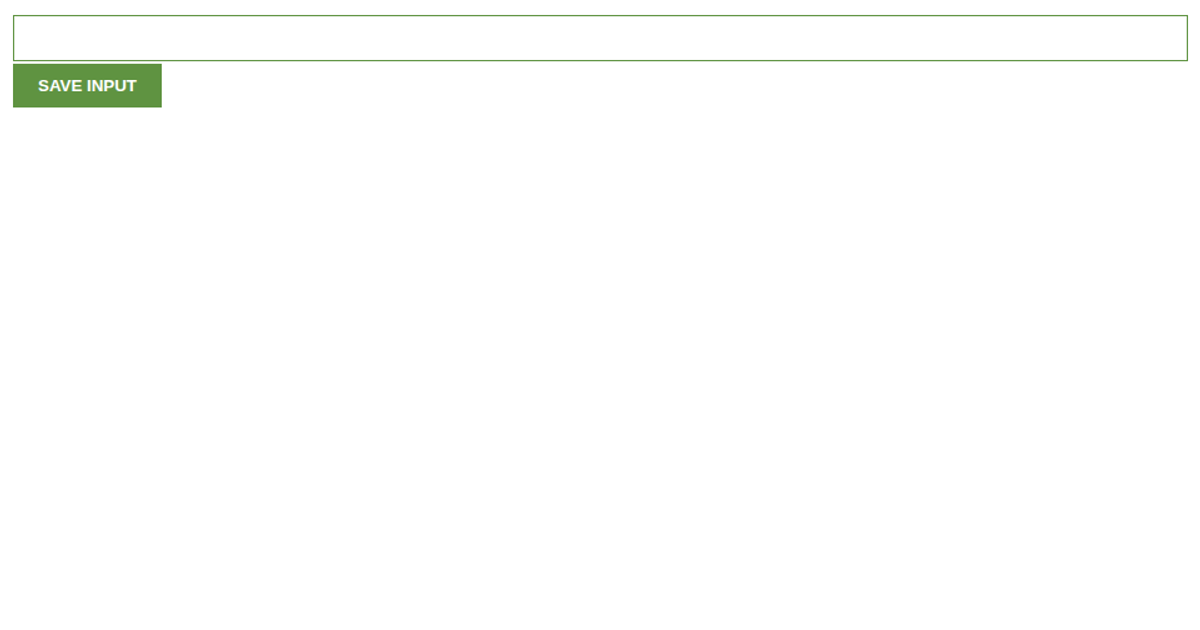
This example demonstrates how to persist and retrieve user input across page reloads using the Web Storage API. It shows a text input and button that save a name to `window.localStorage`, then restore that value when the page is reloaded. The code also illustrates storing and retrieving structured JSON data, including updating nested objects and converting them back to strings for storage. The interface is plain HTML and JavaScript, with no external visualization libraries.
AI-generated descriptionA simple example showing how local storage works
Enter a name, press the button and reload the page. The name will be recovered from local storage.
MIT Licensed






Comments
Sign in to join the discussion.