🌍 Public
Local Storage Example
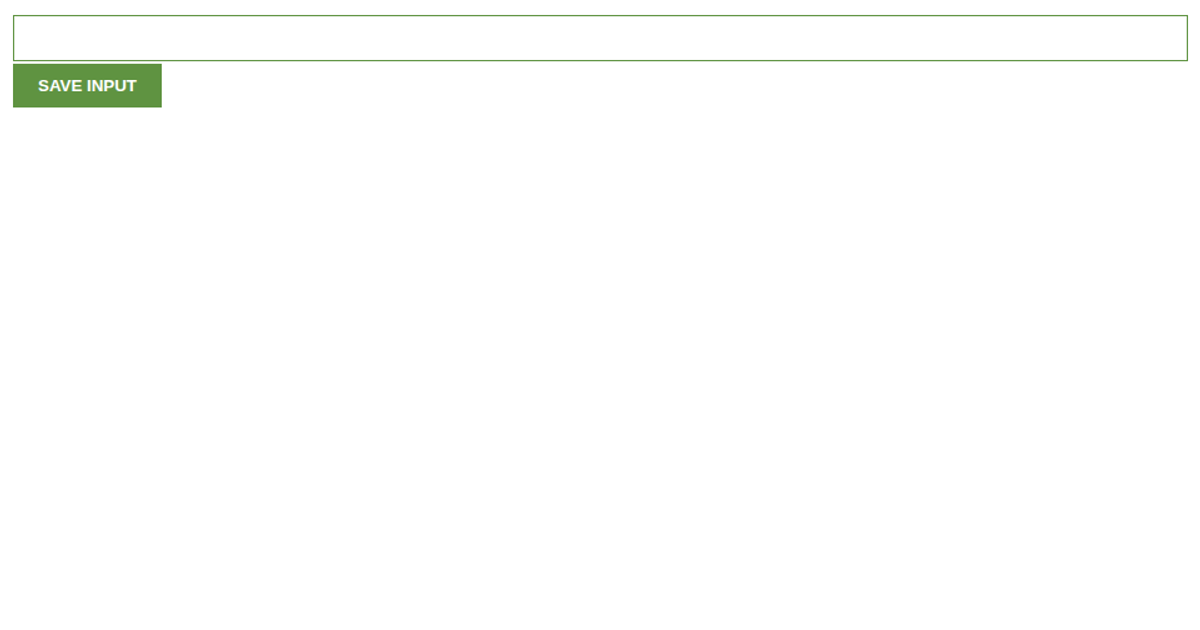
This example demonstrates how a browser persists user input across page reloads using the Web Storage API. It shows a text field and button; entering a name and submitting it saves the value, which is then restored into the input field upon refreshing the page. The JavaScript code uses `window.localStorage`, `storage.getItem`, and `storage.setItem` to manage the stored data, and it appends a new paragraph element to the document body after each submission.
AI-generated descriptionA simple example showing how local storage works
Enter a name, press the button and reload the page. The name will be recovered from local storage.
MIT Licensed




Comments
Sign in to join the discussion.