🌍 Public
Mermaid Starter
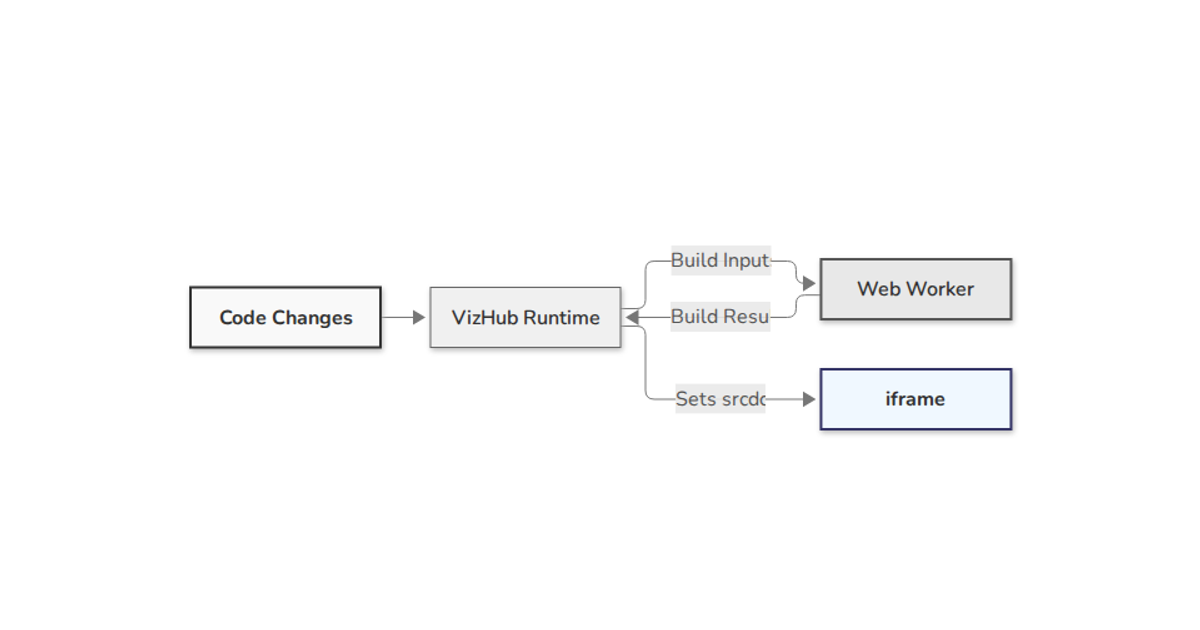
This visualization displays a simple flowchart using Mermaid, rendering a sequence of processes and decisions from a start node to an end node. The diagram is generated in an HTML page using Mermaid's `initialize` and `render` APIs, with an import map loading the library from a CDN. The diagram definition is stored as a string and rendered into a styled container with a grayscale theme. The example supports easy modification of the diagram syntax through the JavaScript code.
AI-generated descriptionBasic Mermaid Diagram Example
This project demonstrates how to create a basic Mermaid diagram in an HTML page.
Features
- Simple flowchart diagram created with Mermaid
- Responsive layout
- Easy to modify diagram syntax
- Left-to-right flow direction
- Custom grayscale theme with inline styling
- Base theme support for custom colors
How to Use
- Open index.html in a web browser to view the diagram
- To modify the diagram, change the diagramDefinition variable in the JavaScript code
- Learn more about Mermaid syntax at Mermaid Documentation
Customization
- The diagram uses the 'base' theme to support custom colors
- Individual node styles are defined using inline styling
- Colors are specified using hexadecimal codes
- Theme variables control the overall appearance
More Examples
For more advanced diagrams like sequence diagrams, class diagrams, and state diagrams, visit the Mermaid official website.
MIT Licensed





Comments
Sign in to join the discussion.