🌍 Public
Menu Starter
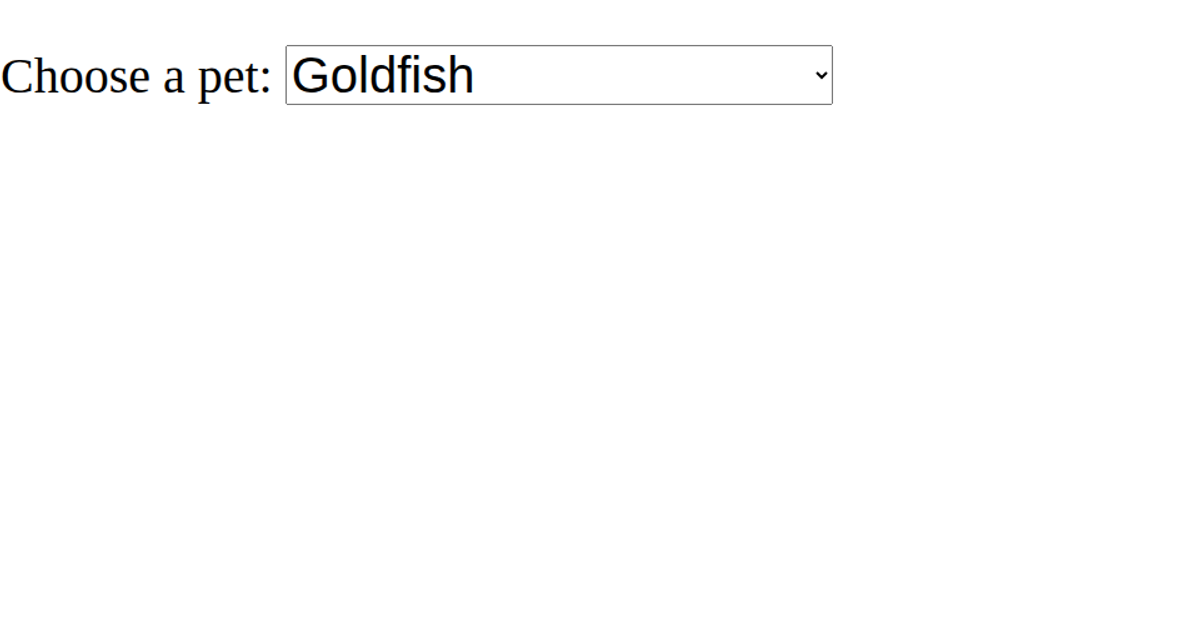
This example demonstrates a React dropdown menu for selecting a pet from a list of six options, with the initial selection set to "Spider." The interface displays a label and a styled select element that updates a state value when the user chooses a new option. The code uses React's `useState` hook to manage the selected value and passes it as a prop to a reusable `Dropdown` component, which renders the `<select>` and `<option>` elements. The options are defined as an array of objects with `value` and `label` properties, and the selected value is highlighted via the `selected` attribute.
AI-generated descriptionReact Starter code.
MIT Licensed


Comments
Sign in to join the discussion.