🌍 Public
Basic line chart using CSV
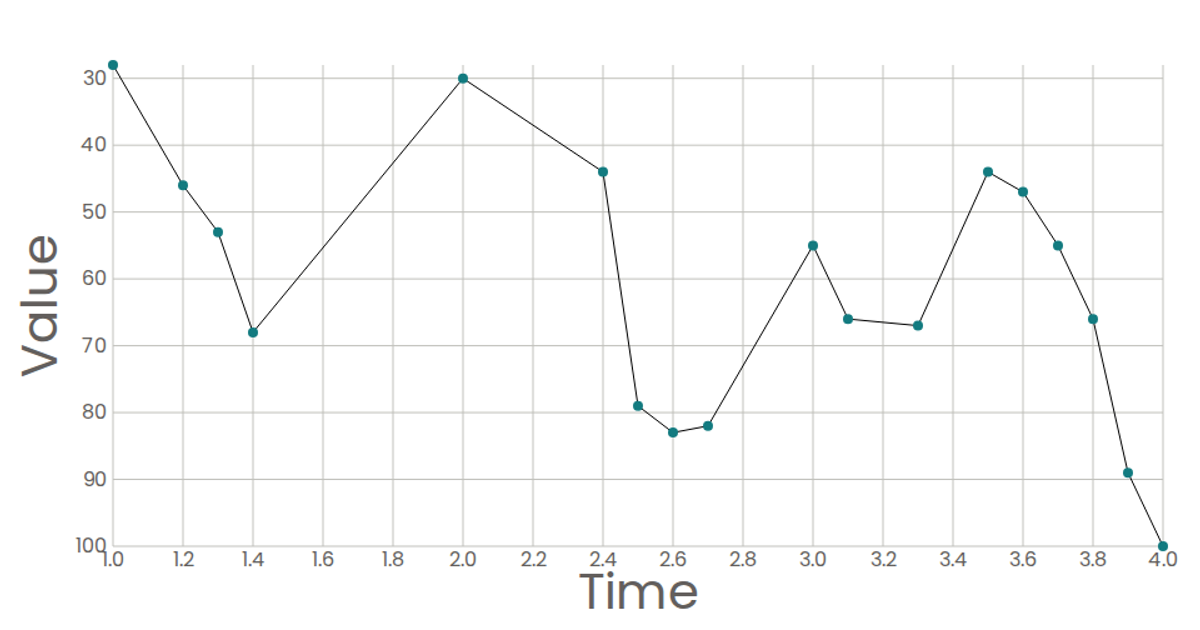
This example shows a basic line chart that plots time against closing values from a CSV file. It fetches remote CSV data, parses the rows, and maps the designated `time` and `Closing` columns to the x- and y-axes. The chart renders as a scatter trace with both lines and markers using Plotly’s `Plotly.newPlot` into a `div`. The code uses the Fetch API to load the CSV and manually splits rows and headers for column lookup.
AI-generated descriptionA bare minimum HTML page demonstrating use of CSS and JavaScript.
See also React Starter.
MIT Licensed




Comments
Sign in to join the discussion.