🌍 Public
D3 Course - Menus with React
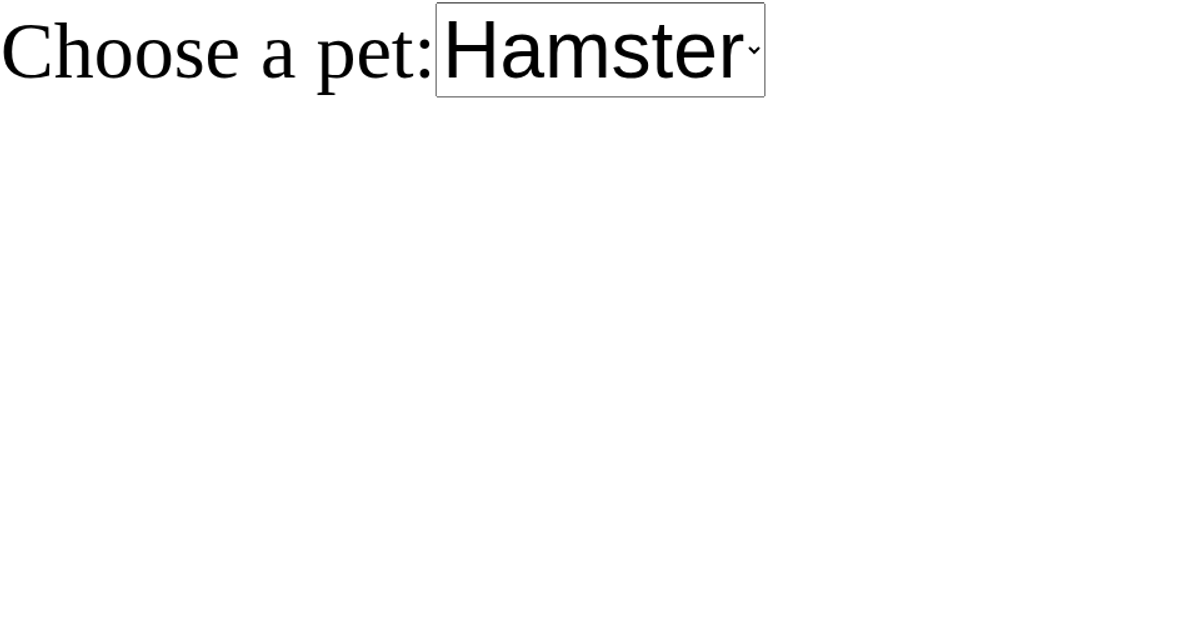
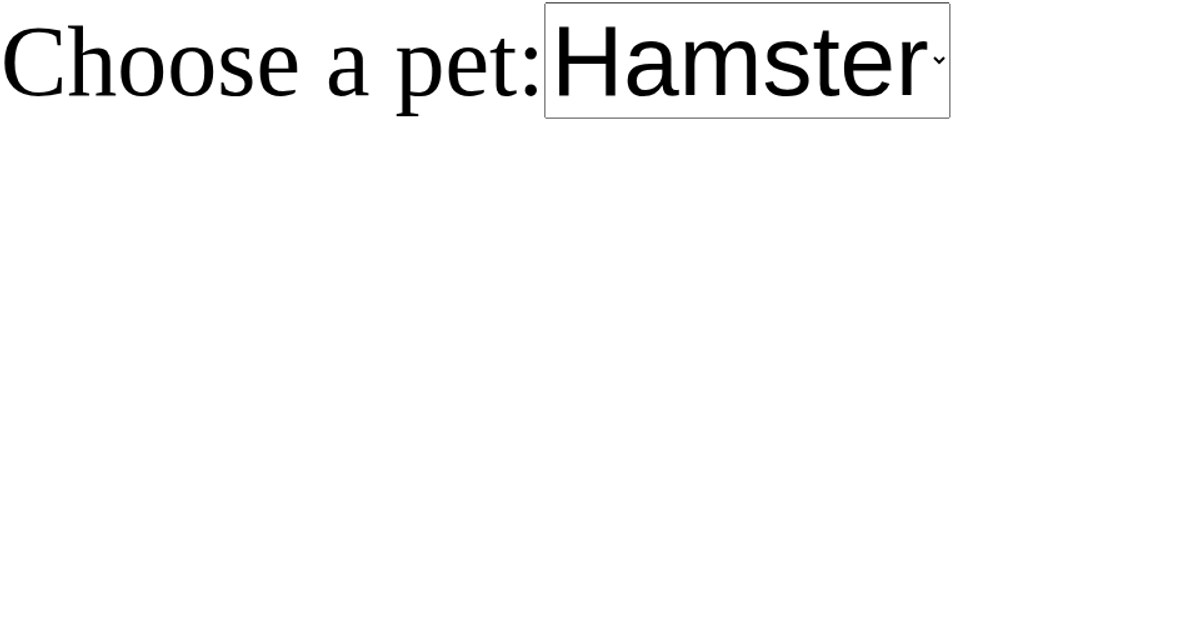
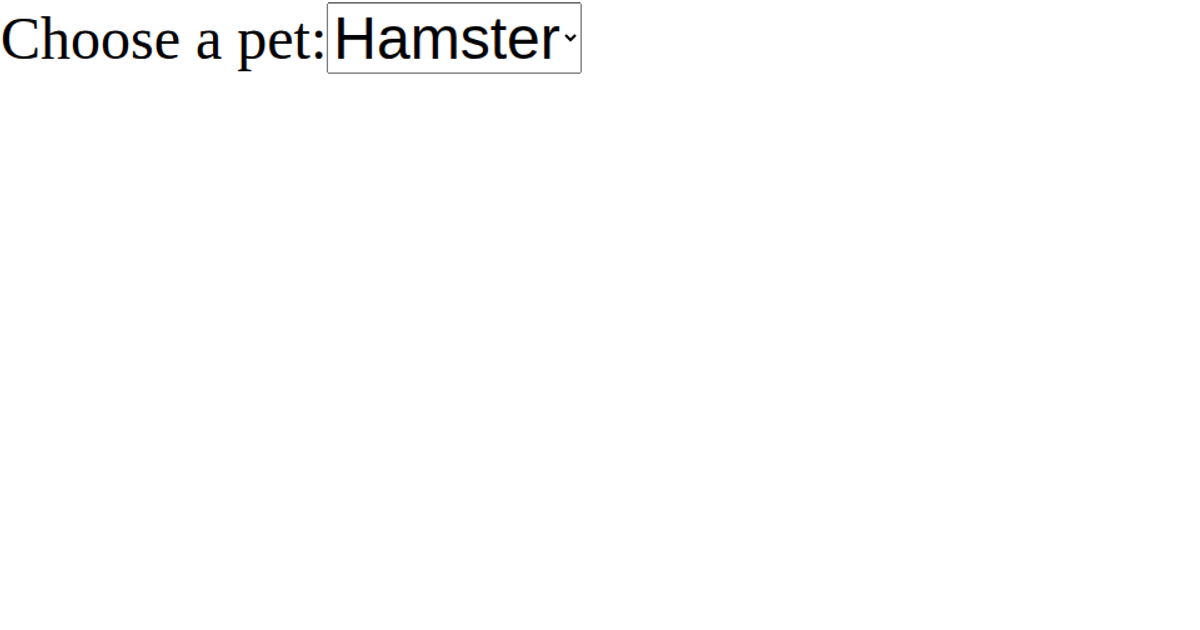
This example demonstrates a pet-selection menu built with React, showing how a Dropdown component updates displayed text based on user choices. The interface uses React’s `useState` hook to manage the selected value, while the `Dropdown` component renders a `<select>` element with options for various pets. When a user changes the selection, the `onSelectedValueChange` callback updates state, and the page displays a sentence like “You selected: dog” or “No pet selected” if no option is chosen. The code uses React 16.9 via UMD scripts and a plain HTML select, with no D3-specific APIs involved.
AI-generated descriptionBasic react template
MIT Licensed



Comments
Sign in to join the discussion.