Viewing a saved revision (read-only)
4cc81536755e4725ad3f9d510154074b
What else you can create with the image of Buddha?
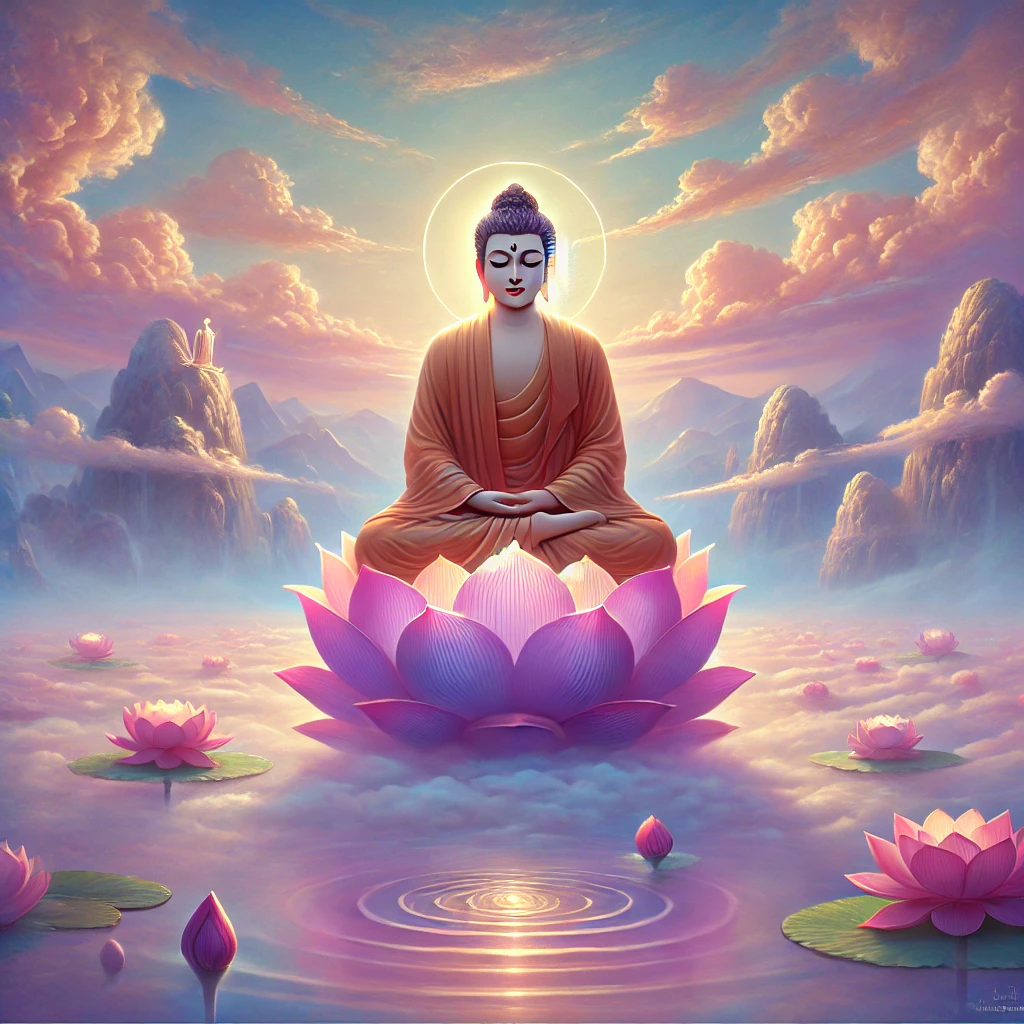
Four meditation tools surround a Buddha image: animated light particles, a symmetrical mandala drawing canvas, a guided breathing circle, and an interactive sound player. D3.js v7 controls the particle system, mandala path rotations, and breathing animations, while Tone.js synthesizes tones and ambient audio. The interface uses tabs to switch between each visualization, with sliders and buttons adjusting particle density, symmetry, and breath timing.
AI-generated descriptionMeditative Buddha Visualization
An interactive visualization featuring a serene image of Buddha with particle effects that respond to user interaction.
Features
- Dynamic particle system that creates a meditative atmosphere
- Interactive controls to adjust particle density, glow intensity, and movement speed
- Breathing guide to help viewers engage in mindful meditation
- Responsive design that works on various screen sizes
Technologies Used
- HTML5 for structure
- CSS3 for styling and animations
- D3.js for creating the interactive particle visualization
- JavaScript for front-end logic and user interactions
How to Use
Adjust the sliders to customize the visual experience:
- Particle Density: Controls the number of light particles
- Glow Intensity: Adjusts the brightness of the particles
- Particle Speed: Changes how quickly particles move
Try moving your mouse over the image to see subtle interactive effects.
Use the breathing circle as a guide for mindful breathing while viewing the visualization.
Buddha Image