🌍 Public
Menu with D3
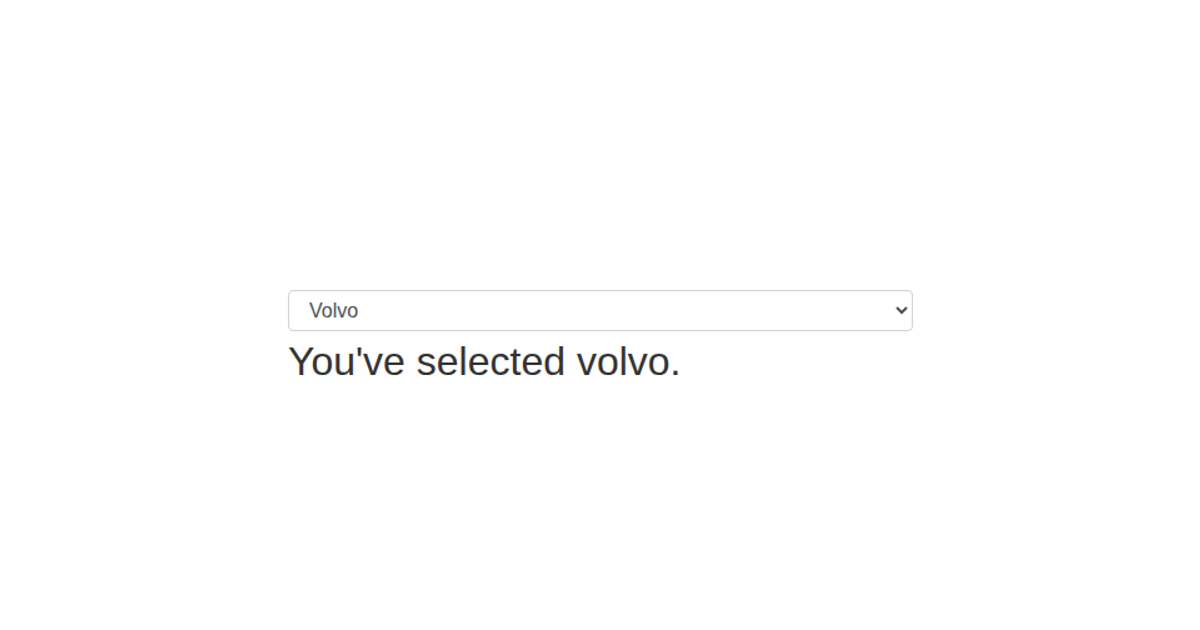
This example demonstrates how to add an interactive dropdown menu to a D3 visualization, showing the selected car brand as a text message. It uses D3’s data-join pattern to bind menu options to a `select` element, updating the displayed text when the selection changes. Bootstrap’s `form-select` class styles the dropdown, while D3’s `on('change')` listener updates the application state via the `setState` function. The code highlights a clean separation between UI rendering and state management, making it a practical template for incorporating menus into larger D3 projects.
AI-generated descriptionA demonstration of how to use the select element and Bootstrap to create a dropdown menu with D3.
Challenge
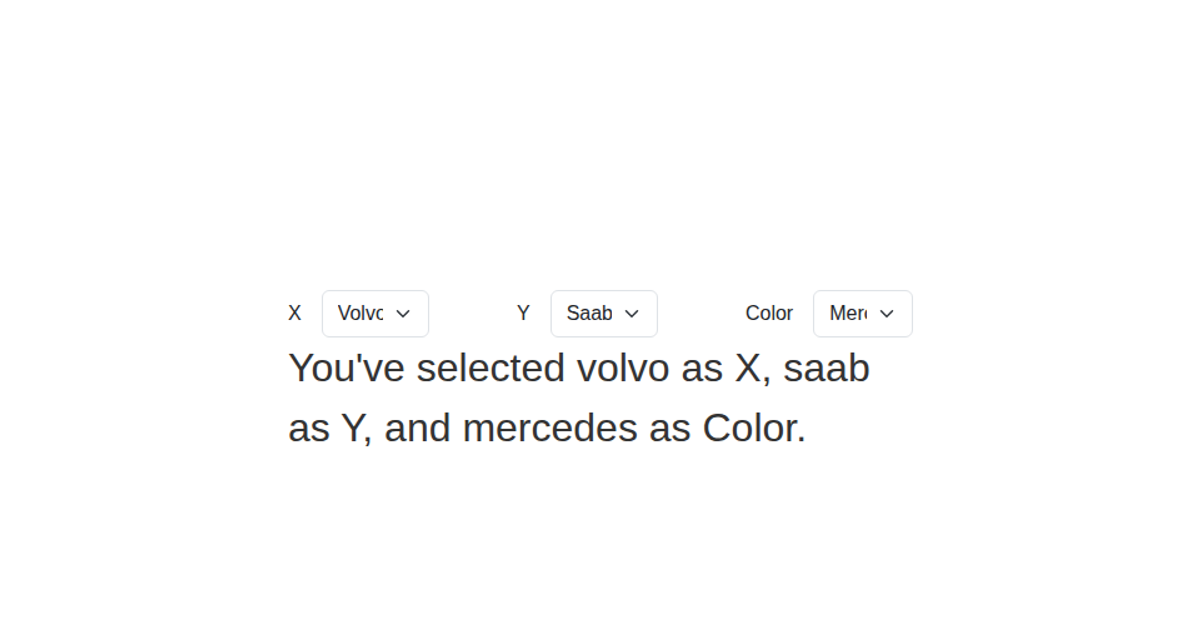
- Incorporate a menu into one of your visualizations
MIT Licensed





Comments
Sign in to join the discussion.