
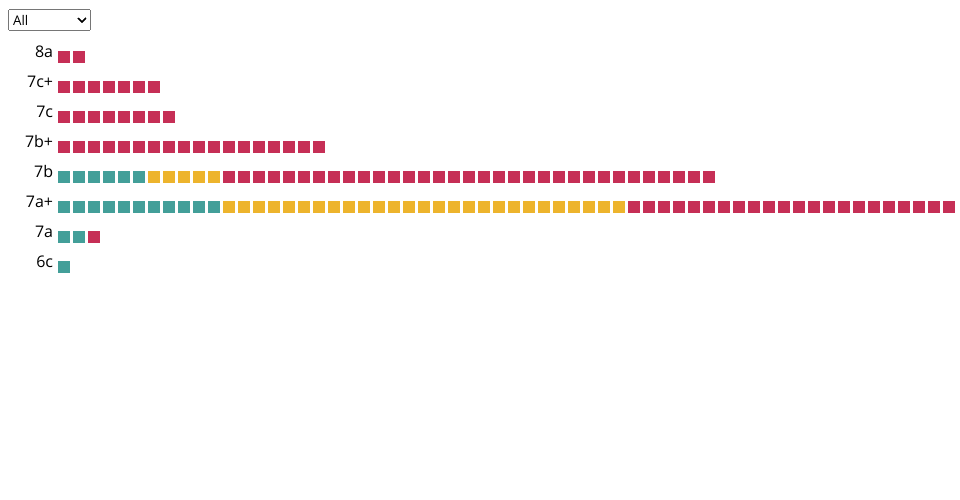
8A visualization
Inspired by Jesse Firestone's instagram post: https://www.instagram.com/p/CgR8PrmLoyn/
To update this with your own 8a data you'll have to:
- Make sure that you are using the angle tags on 8a for all your ascents
- Copy your ascent json (replace user-name with your username): https://www.8a.nu/api/users/user-name/ascents?category=sportclimbing&pageIndex=0&pageSize=500&sortField=grade_desc&timeFilter=0&gradeFilter=0&typeFilter=&isAscented=true&searchQuery=&showRepeats=false%27
- Convert the json into a csv using a service like this: https://www.convertcsv.com/json-to-csv.htm
- Copy the csv data into ascents.csv
MIT Licensed